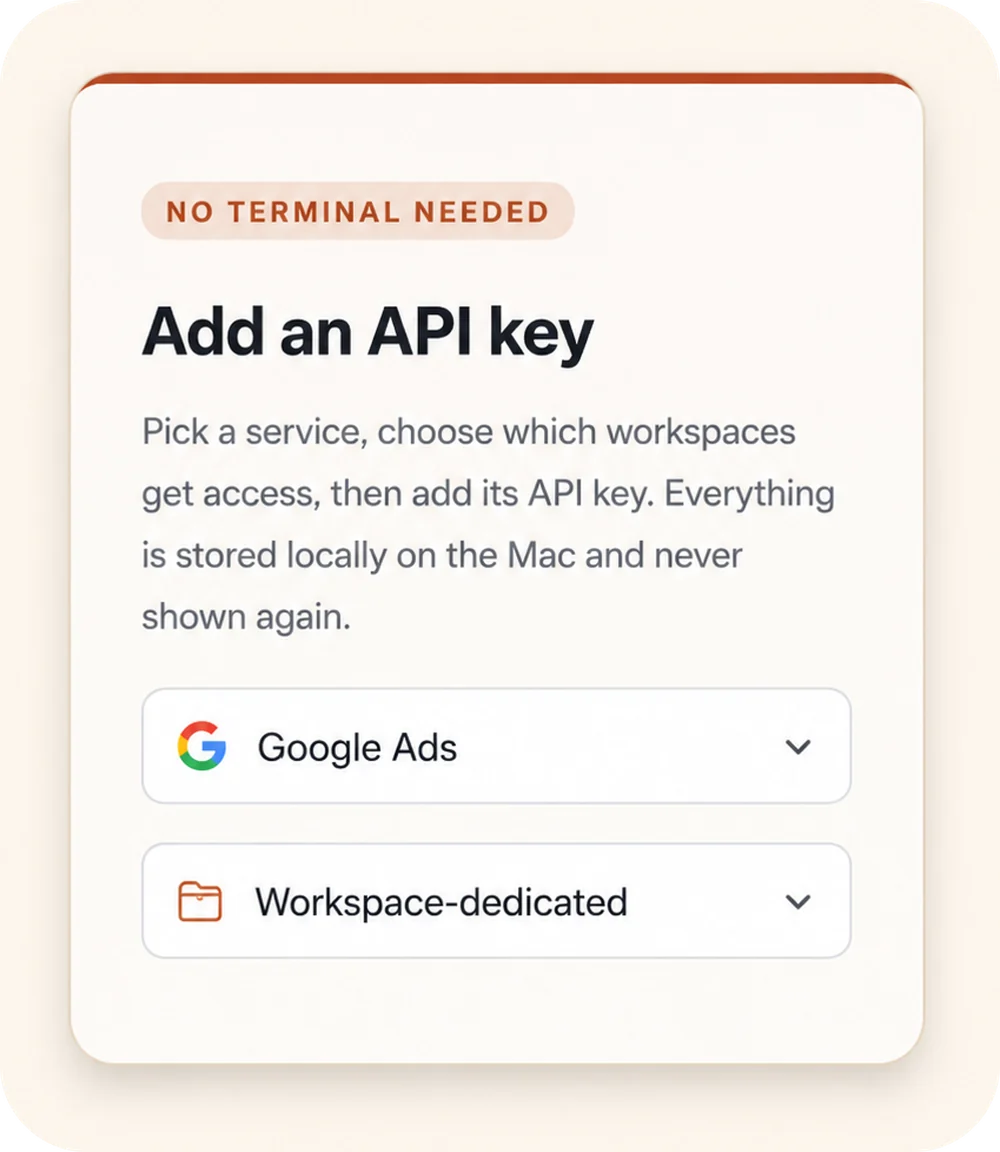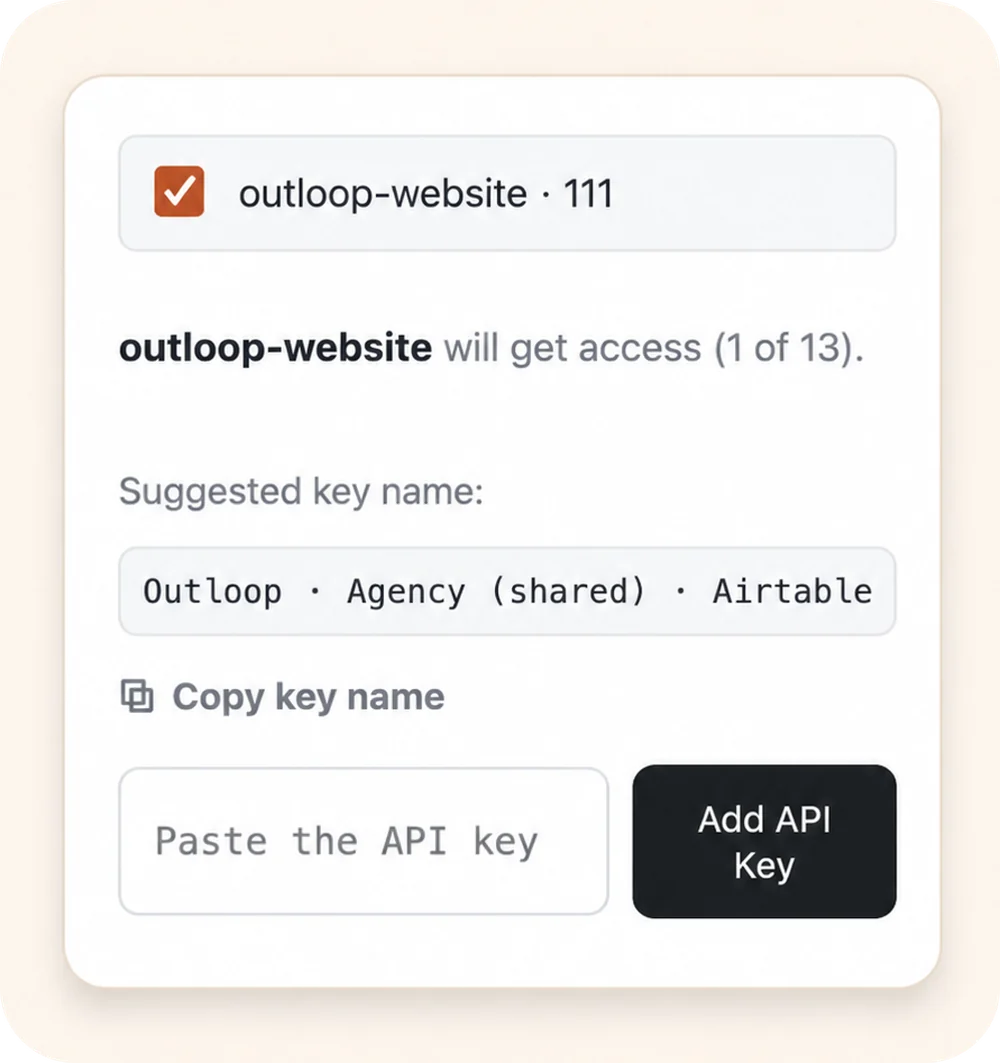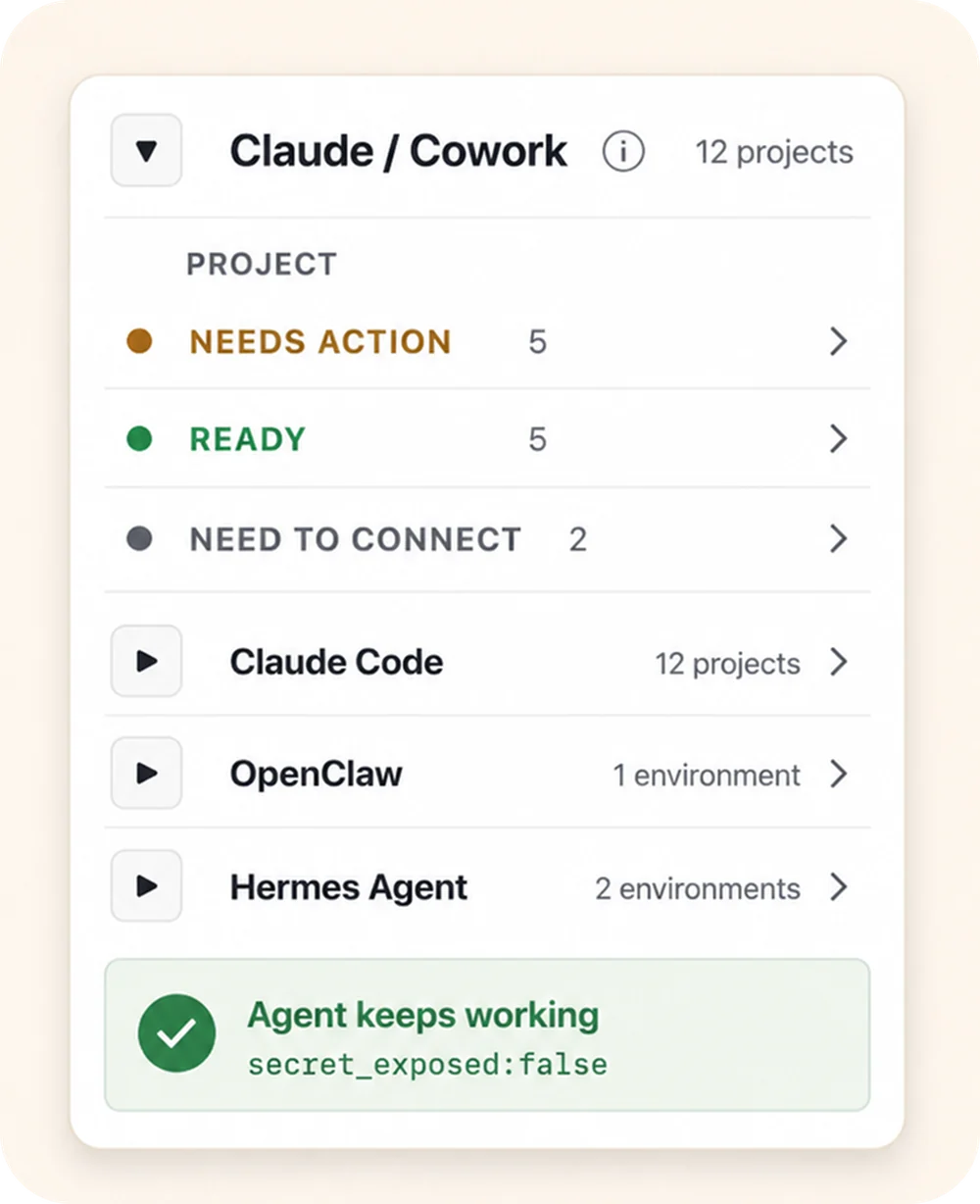




Most security tooling for credentials answers one question: where is the secret stored? AI agent access control answers a different one: at the moment an AI agent acts, may it use this credential — here, now, for this action? As agents gain the ability to read files, run commands, call tools, and run in loops across many client workspaces, that moment of use becomes the real control point. The same pattern is increasingly called a credential broker for AI agents — a different name for the same layer. Because that broker acts at execution time rather than at storage time, it is sometimes named more precisely as a runtime credential broker: the moment-of-use decision, not the place secrets sit at rest.
How do you govern which systems an AI worker can use?
You govern it per client workspace, not per agent. Agents come and go — a new runtime, a new skill, a new scheduled task — and re-deciding permissions for each one is how agencies end up hand-feeding keys forever. The workspace is the durable unit: approved access is granted to it once, and every agent acting for that client inherits exactly that boundary.
In practice, AI agent governance at runtime means seven things:
- ✓Workspace-specific access. A credential is granted to one client workspace, not to the machine or to every agent on it.
- ✓The right account or resource, bound. One agency identity often reaches many client accounts — a Google Ads manager account, a Meta Business portfolio, a set of Shared Drives. The workspace is pinned to the specific customer ID, ad account, folder or property it is allowed to touch.
- ✓Approved runtime use. The agent requests a fixed, approved action — not arbitrary use of a raw key.
- ✓Wrong-client denial. A request aimed at another client's account is refused before any call reaches the provider, so the mistake never becomes an action.
- ✓No raw credential exposure. The credential is used on the wire host-side; it never enters the chat, the project folder, or the model context.
- ✓Proof you can show. Every attempt — allowed or denied — is written to a redacted local audit, so "which client did the agent touch?" has an answer.
- ✓Reuse instead of rebuild. Approved access set up once is reused across the agent runtimes your team already runs, rather than reconfigured per platform.
Two of these have their own pages, because they are the parts agencies get wrong most often. This page is the category — what runtime access control is and what it decides. Workspace-to-resource binding is the mechanism that pins one shared credential to the right client account; wrong-client access is what happens when nothing does.
A distinct layer — not storage, not a connector
Runtime access sits above two things people often confuse it with:
- →Not a vault. A vault stores and rotates secrets, then returns the value to the caller. Runtime access governs whether the caller may act at all — see agent access router vs. vault and why a secrets manager isn't enough.
- →Not just a connector. MCP and similar protocols connect an agent to a tool when one exists. Runtime access decides whether a given request is allowed for this tenant and performs it without exposing the key — see credential broker vs MCP authentication.
- →Not just authorizing an action. Deciding an action is allowed is only half the decision — the other half is routing it to the correct client account. An agent can be fully authorized to call a service and still reach the wrong client's account if nothing resolves the request to the right workspace-pinned credential first.
What secure AI agent access actually controls
A runtime access decision is made against the full shape of the request, not just "is this key valid":
- ✓Tenant / workspace — which client is this agent acting for?
- ✓Service & host — which API, on which allowed host?
- ✓Action — a fixed, approved verb, not arbitrary use of a raw key.
- ✓Result handling — redact the response and write a local audit.
How a request flows
Request → policy → broker → redacted result → audit
- 01
Agent request
The agent asks for an approved action or alias — not a raw key.
- 02
Policy & tenant check
Outloop checks project, tenant identity, and runtime policy before anything runs.
- 03
Local broker
On approval, the local broker uses the credential on the wire to perform the call.
- 04
Redacted result
The agent receives a sanitized, non-secret result. Raw values never enter its context.
- 05
Audit log
Every attempt is written to a redacted local audit — decision, tenant, service.
The agent never sees the credential. A wrong-tenant request is denied at the policy check, before any backend call.
Where Outloop fits
Outloop is a local-first runtime access layer for AI agents. Secrets stay in your existing backend; agents request approved actions, not raw keys; wrong-tenant calls are blocked by policy before any backend call; and every attempt is written to a redacted local audit. It is the access layer for the cases that matter most today — agent loops, API key management, and multi-client agencies.